Backup & Disaster Recovery
No Lock-In Contracts
100% Australian Based
5 Stars from 50+ Reviews
Our Backup & Disaster Recovery Solution
Active monitoring
Off-site cloud backups

Rapid recovery

Standby Facility Maintenance
Business Backup Solutions and Disaster Recovery
A reliable business backup solution is not only about copying files. The real goal is to make sure the business can recover the right data quickly after accidental deletion, hardware failure, ransomware, a cloud account problem or a wider infrastructure outage.
Accel IT can design and manage backup solutions for Microsoft 365, Google Workspace, servers, databases, workstations and network attached storage. The right approach depends on where the data lives, how often it changes and how much downtime the business can tolerate.
For some systems, a daily backup may be enough. Others may need more frequent protection, longer retention or a combination of local and cloud copies. Critical systems should also have a documented recovery process so the business knows how data will be restored and which services should be brought back first.
Backups should be monitored and tested. A job showing “successful” is useful, but the real test is whether the required files, mailboxes, servers or applications can be restored when needed.
Our team can review existing backup coverage, identify gaps and build a practical recovery approach around the systems that matter most to the business.
What we can back up
- Microsoft 365
- Google Workspace
- Servers and databases
- Workstations
- Network attached storage
- Local and cloud copies
Recovery planned around the systems that matter most.
Business Continuity and Disaster Recovery Planning
Business continuity and disaster recovery are closely related, but they are not the same thing.
Disaster recovery focuses on restoring technology and data after an incident. Business continuity looks more broadly at how the organisation keeps operating while recovery is taking place.
A useful plan should identify critical systems, acceptable downtime, required data, key suppliers, communication responsibilities and the order in which services should be restored. It should also consider situations where the main office, internet connection, server or cloud account is unavailable.
The recovery plan should match the backup design. If a business expects to restore a critical server within hours, the backup platform, internet connectivity, hardware and recovery process need to support that target.
Accel IT can help businesses review backup coverage, document recovery priorities and test whether the current setup can support realistic recovery expectations.
A recovery plan should cover
- Critical systems
- Acceptable downtime
- Required data
- Key suppliers
- Communication responsibilities
- The order services are restored
Including what happens if the office, internet, server or cloud account is unavailable.
Comprehensive Backup Solutions Tailored to Your Business
Reliable backups are essential for protecting your business data, ensuring compliance, and minimizing downtime in the event of data loss. However, selecting the right backup solution can be complex, with various options, configurations, and cost considerations to balance.
At Accel IT, we specialize in designing, deploying, and managing robust backup systems that align with your business needs. We take the guesswork out of data protection by offering:
- Cloud Backups for Microsoft 365 & Google Workspace – Secure backups for emails, SharePoint, OneDrive, and Teams data.
- On-Premise & NAS Backups – Local storage solutions for fast recovery and secure access.
- Incremental & Full System Backups – Efficient backup strategies that optimize storage and reduce downtime.
- SQL Database Backups – Ensuring critical business data is always recoverable.
- Hybrid Backup Solutions – Combining local and cloud storage for maximum security and reliability.
- Automated & Monitored Backups – Continuous monitoring to ensure data integrity and successful restorations.
Our team of backup experts will assess your requirements, implement the right strategy, and provide ongoing monitoring and management to keep your data secure. Whether you need a simple file backup or a full disaster recovery solution, Accel IT ensures that your business remains protected, no matter what happens.
We Partner With Industry Leaders
Backup & Disaster Recovery – FAQ
What types of backups do you offer?
We provide a comprehensive range of backup solutions to ensure your business data is always protected, including:
- Cloud Backup for Microsoft 365 & Google Workspace (emails, OneDrive, SharePoint, Teams)
- Network-Attached Storage (NAS) Backups
- Incremental Backups (efficiently storing only changed data)
- SQL Database Backups (ensuring databases remain recoverable)
- Full System Image Backups (quick restoration of entire systems)
- Hybrid Backup Solutions (local and cloud storage for maximum redundancy)
No matter where your data is stored, we have a backup solution to keep it secure.
How frequently are backups performed?
Our backup schedules are tailored to your business needs, offering:
- Real-time backups for mission-critical systems
- Hourly, daily, or weekly backups
- Incremental backups to optimize storage and minimize data loss
Backups are fully automated, ensuring data is always up to date and recoverable.
How quickly can data be restored in an emergency?
We prioritize rapid recovery to minimize downtime. The exact restore time depends on:
- The size of the data set
- The urgency of the request
- The type of backup solution used (cloud, on-premise, or hybrid)
For critical incidents, we provide fast restoration options to get your business back up and running as quickly as possible.
How do you ensure backups are working correctly?
We provide 24/7 monitoring and proactive management, including:
- Daily backup checks to ensure successful completion
- Automated alerts for failed or incomplete backups
- Regular test restores to verify data integrity
- Strong encryption to protect sensitive data
With continuous monitoring and testing, we ensure your backups are always reliable and ready when needed.
Where is my backup data stored?
Your backups are stored in highly secure, geographically redundant data centers. We offer:
- Local backups for fast recovery
- Cloud backups for offsite protection
- Hybrid solutions combining both for maximum security
All backups are encrypted and comply with Australian data security and privacy regulations.
Let's Talk
See Our Backup & DR Tips and News
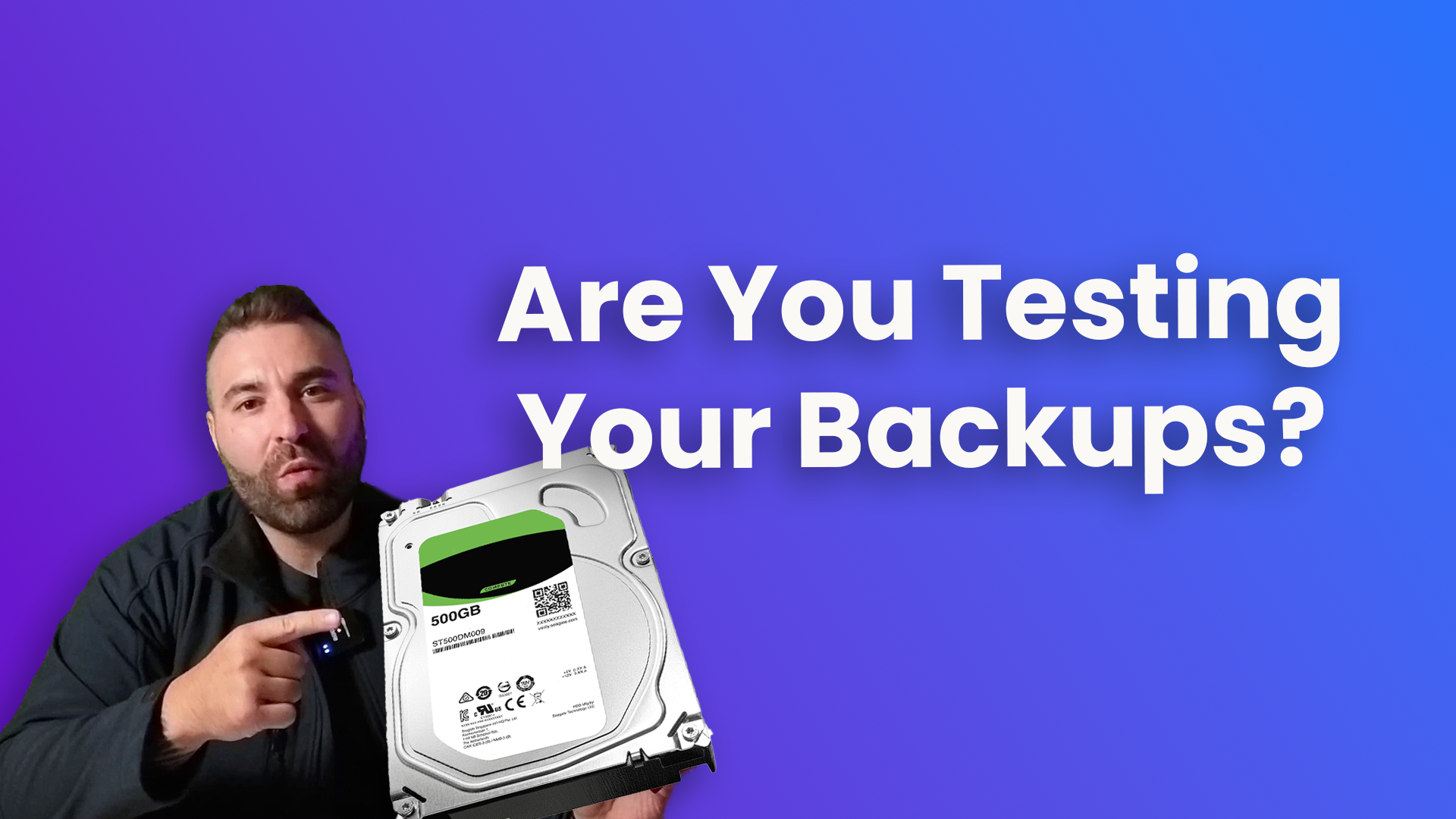
Why Testing Your Backups Could Save Your Business
Every business recognises the critical importance of backups. You have likely heard or read this a hundred times, “Make sure you’re backing up your data.” And chances are, you are……

The Role of IT in Disaster Recovery and Business Continuity Planning
In today’s fast-paced and technology-driven business landscape, the seamless functioning of Information Technology infrastructure is crucial for the success and survival of any organization. However, disasters, whether natural or man-made,…

Should I backup my data if it’s in the cloud?
Despite the convenience and reliability of modern cloud services such as Microsoft 365, many people make the mistake of assuming that their data is safe and protected. They believe that…

Different types of backups and how to choose one
No matter what your business size and type is, data backup is an integral part of keeping your business running. As a business owner, it is your responsibility to ensure…