

Cybersecurity should not depend on whether someone remembered to tick the “premium security” box when looking for an IT partner.
However, majority of managed IT providers still separate technical support from cybersecurity. The basic package keeps computers running, while important protections such as endpoint detection, identity monitoring, security logging and employee training are offered as optional extras.
At Accel IT, we take a different approach.
We understand businesses rely on their technology for email, banking, customer information, payments, documents and daily operations. Supporting that technology without applying a reasonable security baseline does not make sense.
That is why Accel IT has established minimum security standards for businesses using our managed IT services. Cybersecurity is not something we bolt on after an incident. It is built into the way we manage your environment. We are security focused first.
Why Security Should Not Be an Optional Extra
Traditional IT support was largely focused on fixing problems and disappearing into the shadows.
A computer stopped working, someone called the IT company and a technician repaired it. Antivirus may have been installed, but cybersecurity was often treated as a separate service that only larger businesses needed.
That model no longer reflects how businesses operate. A compromised Microsoft 365 account can allow an attacker to read emails, impersonate staff, create forwarding rules and send fraudulent payment requests. A compromised computer can expose saved passwords, business documents and access to other systems.
Attackers also do not care which support package you purchased.
They look for weak passwords, unpatched applications, vulnerable devices, misconfigured Microsoft 365 environments and employees who can be convinced to open a malicious link.
Providing helpdesk support without addressing these risks leaves a major gap. Our minimum security standards are designed to reduce that gap from the beginning.
What Are the Accel IT Minimum Security Standards?
Our minimum security standards are the baseline protections we believe a modern business should have before its technology can be considered properly managed.
This does not mean every business receives an identical configuration. A ten-person professional services firm will have different requirements from a transport company, medical organisation or a business working towards Essential Eight compliance.
However, the foundations should be consistent. Devices need to be monitored. Microsoft 365 identities need protection. Security events need to be visible. Vulnerabilities and unsafe configurations need to be identified. Employees need practical training.
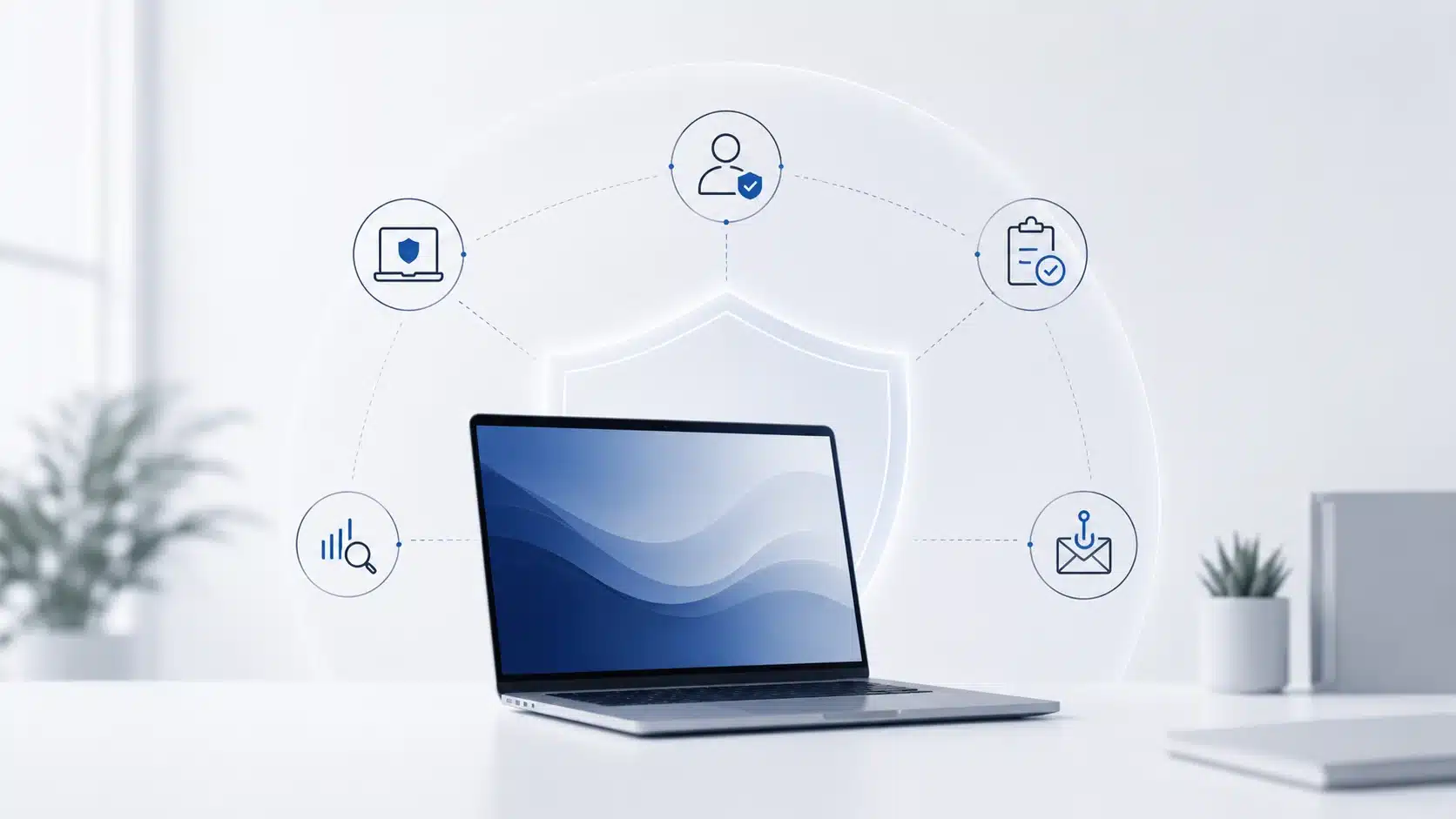
This is why our managed security approach includes multiple layers rather than relying on traditional antivirus alone.
Endpoint Detection and Response Protects Computers and Servers
Endpoint Detection and Response, commonly called EDR, monitors computers and servers for suspicious activity.
Traditional antivirus generally looks for known malicious files. EDR goes further by looking at behaviour occurring on the device.
This can include unusual encryption activity, malicious scripts, suspicious processes, unauthorised persistence methods or an attacker attempting to use legitimate administration tools for malicious purposes.
When a serious threat is detected, the affected device can be investigated and isolated to help prevent the incident from spreading further across the business.
EDR is not a premium luxury. Computers and servers are major entry points into a business, which is why endpoint monitoring forms part of our security baseline.
ITDR Protects Microsoft 365 Accounts and Business Identities
Many modern attacks target user accounts rather than physical computers.
Identity Threat Detection and Response, or ITDR, monitors Microsoft 365 for suspicious identity activity. This can help identify account takeovers, malicious inbox rules, unusual sessions, rogue applications and other activity that may indicate stolen credentials are being used.
This matters because an attacker may be able to access a mailbox without installing malware on the employee’s computer.
Once inside, they can monitor conversations, collect sensitive information and wait for an opportunity to redirect a payment or impersonate someone within the business.
EDR protects the device. ITDR helps protect the identity.
A modern security strategy needs both.
SIEM Provides Visibility Across the Environment
Security Information and Event Management, known as SIEM, collects and analyses security information from systems across the business.
Without centralised logging, important warning signs can be scattered across computers, servers and cloud platforms. One event might appear harmless by itself but become significant when combined with activity from another system.
SIEM creates a searchable history of security events and provides greater visibility when suspicious activity needs to be investigated.
It can also help with incident response, cyber insurance enquiries and compliance evidence by providing a clearer record of what occurred and when.
Security events are only useful when they can be found, understood and acted on. SIEM helps provide that visibility.
ESPM Finds Weaknesses Before They Become Incidents
Endpoint Security Posture Management, or ESPM, looks for weaknesses across managed computers.
Not every cyber incident begins with sophisticated malware. Attackers frequently take advantage of vulnerable software, missing security controls, unsafe applications and poor device configurations.
ESPM helps identify these problems before they are used against the business.
It provides ongoing visibility into the condition of endpoints, including vulnerable applications, missing protections and configuration issues that may increase the attack surface.
EDR helps detect an attack that is occurring. ESPM focuses on making the device more difficult to attack in the first place.
That combination allows us to be both reactive and preventative.
Security Awareness Training Includes Phishing Tests
Technical security tools are essential, but employees are still targeted every day through convincing emails, fake login pages, fraudulent invoices and social engineering.
Security Awareness Training, or SAT, gives employees practical guidance on recognising and responding to these threats.
The training includes short security lessons, ongoing education and simulated phishing tests. These simulations allow employees to experience realistic phishing scenarios in a safe environment.
The purpose is not to embarrass staff or catch people doing the wrong thing.
It is to identify where additional coaching may be helpful and give employees experience recognising suspicious messages before they receive a real one.
Good security awareness training should make people more confident, not more frightened of using technology.
Security Tools Still Need to Be Managed
Installing security software is not the same as managing security.
Alerts need to be reviewed. Devices need to be maintained. Microsoft 365 settings need to be checked. Suspicious activity needs to be investigated and genuine incidents need a clear response.
Our managed cyber security services combine technology with ongoing management, monitoring and technical support.
This is important because most small and medium businesses do not have an internal security team available to investigate every alert.
When cybersecurity is included within managed IT, the technicians supporting your employees also understand your systems, users, devices and business operations. That context can make it easier to identify unusual activity and respond appropriately.
A Minimum Standard Is a Starting Point
Our minimum security standards provide a strong foundation, but they are not the final security destination for every organisation.
Some businesses may also require stricter Microsoft 365 policies, application control, cyber insurance remediation, compliance reporting, advanced backup protection or formal alignment with frameworks such as the Essential Eight or SMB1001.
The appropriate controls depend on the information you hold, the systems you operate and the consequences of a security incident.
The difference is that we do not begin with almost no protection and wait for the client to purchase each important security control individually.
We begin with a reasonable baseline and strengthen it where the business requires more.
Questions to Ask Your Managed IT Provider
When comparing managed IT services, do not only compare the monthly price. Ask what is actually included.
- Are computers and servers protected by EDR or only traditional antivirus?
- Is Microsoft 365 monitored for identity-based attacks?
- Are security logs collected and actively reviewed?
- Are endpoint vulnerabilities and unsafe configurations identified?
- Does the service include employee training and managed phishing simulations?
- Who investigates alerts and responds when a genuine threat is detected?
A lower monthly price can quickly become less attractive when the protections your business expected are later presented as separate upgrades.
Security Included, Not Bolted On
Businesses should not have to choose between receiving reliable IT support and receiving reasonable cybersecurity protection.
The two are now inseparable.
At Accel IT, our managed IT services are designed to keep your systems operating while also reducing the likelihood that those systems will be compromised.That means combining day-to-day technical support with EDR, ITDR, SIEM, ESPM, Security Awareness Training and ongoing security management.
We call these our minimum security standards because they represent the level of protection we believe responsible managed IT should provide.
Not after an incident. Not as a last-minute upgrade. From the beginning!
Frequently Asked Questions
Is cybersecurity included with Accel IT managed IT services?
Yes. Accel IT includes a layered cybersecurity suite within its managed IT services rather than treating every important security control as a separate add-on. The exact configuration may vary depending on the business environment, risk level and compliance requirements.
Is EDR the same as antivirus?
No. Antivirus primarily detects known malicious files, while EDR monitors endpoint behaviour for suspicious activity that may indicate ransomware, malware or an attacker operating within the device.
What is the difference between EDR and ITDR?
EDR protects endpoints such as computers and servers. ITDR monitors business identities and Microsoft 365 accounts for activity that may indicate compromised credentials or account takeover.
Do phishing tests send real malicious emails?
No. Managed phishing simulations imitate common phishing techniques in a controlled environment. They allow employees to practise identifying suspicious messages without exposing the business to a genuine attack.
Does every business require SIEM?
The level of SIEM monitoring required can vary, but maintaining visibility into important security events is valuable for detecting suspicious activity, investigating incidents and supporting compliance or cyber insurance requirements.
How can I find out where my current security gaps are?
Accel IT offers a cyber security risk assessment that reviews key areas of your business environment and identifies risks that may require attention.